
Agno Agents
AgnoUI
A beautiful, open-source interface for interacting with AI agents
On this page
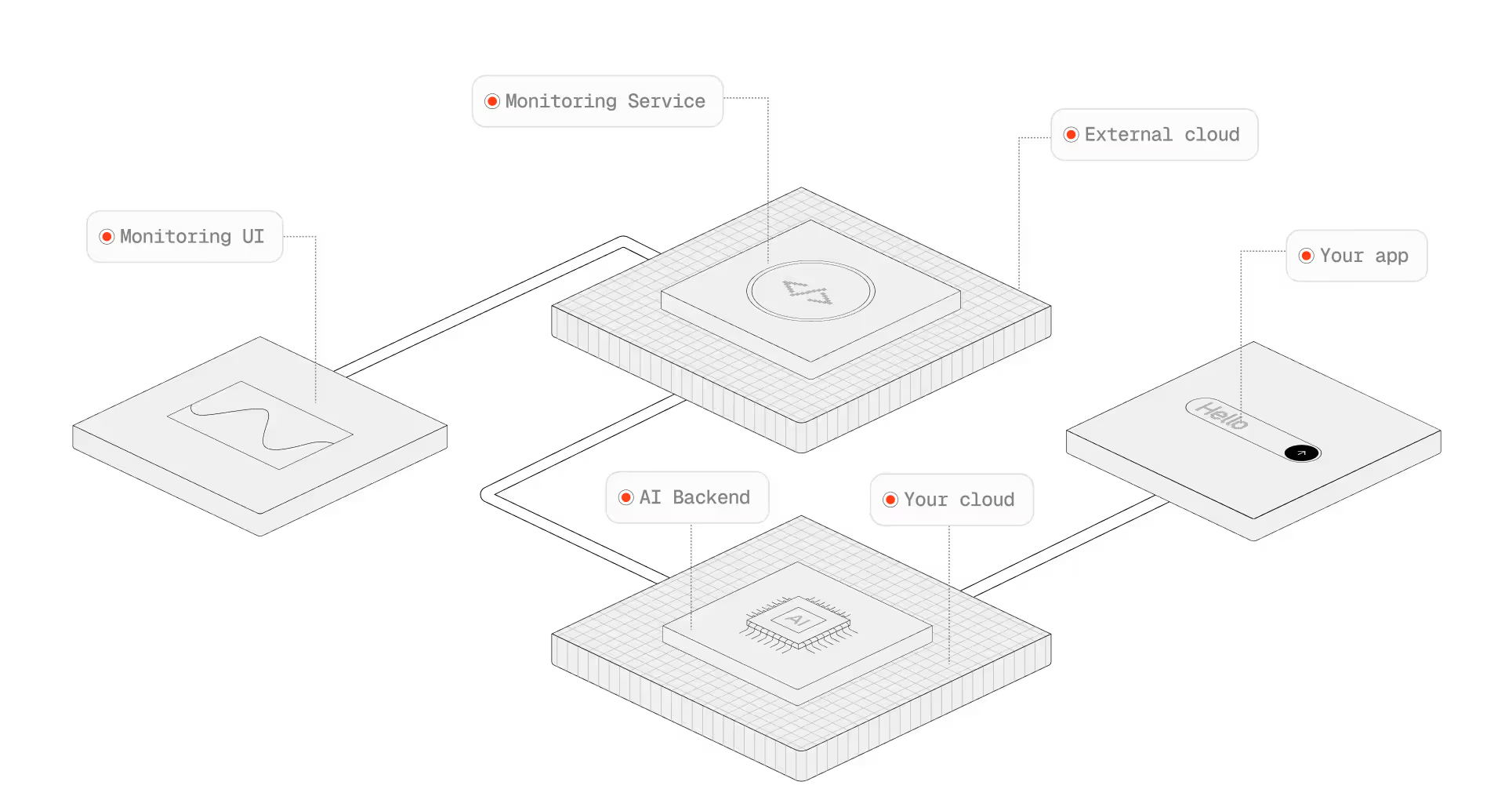
https://cdn.prod.website-files.com/6796d350b8c706e4533e7e32/689baa0854831df3725ec8b7_6416750e7ab3f27d87d33cde5869f7af_Without%20Agno.avif
#Install Node.JS
node --version
local: "C:\Program Files\nodejs"
#Get Started with Agent UI
To clone the Agent UI, run the following command in your terminal:
npx create-agent-ui@latestEnter y to create a new project, install dependencies, then run the agent-ui using:
C:\Users\schit>cd agent-uiC:\Users\schit\agent-ui>npm run devOpen http://localhost:3000 to view the Agent UI, but remember to connect to your local agents.
Local: http://localhost:3000
Network: http://10.5.0.2:3000
#Minimal setup
import os
from dotenv import load_dotenv

#os.environ["AGNO_TELEMETRY"] = "false"
#AGNO_TELEMETRY = os.getenv("AGNO_TELEMETRY")

from agno.agent import Agent
from agno.models.openai import OpenAIChat
from agno.os import AgentOS

load_dotenv()

assistant = Agent(
    name="Assistant",
    model=OpenAIChat(id="gpt-4.1-mini"),
    instructions=["You are a helpful AI assistant."],
    markdown=True,
)

agent_os = AgentOS(
    id="my-first-os",
    description="My first AgentOS",
    agents=[assistant],
)

app = agent_os.get_app()

if __name__ == "__main__":
    # Default port is 7777, change with port=...
agent_os.serve(app="minimal_setup:app", reload=True)#AgnoUI.bat
AgnoUI.bat
@echo off
cd C:\Users\schit\agent-ui
npm run dev
pause#Others links:
Author: Enzo Schitini
Source: src/dev_tools/AgnoUI.bat